Managing team rooms within a company

As a company administrator, you can use the Pexip web app (at https://pexip.me) or the downloadable Pexip desktop app to manage the Pexip Service team rooms within your company.
To do this, log in to the Pexip app, select the  menu in the top-right corner, and then select .
If you don’t see the option, you have not been set up with administrator rights. Please contact your company administrator or your account manager at your local certified Pexip Partner to grant you access.
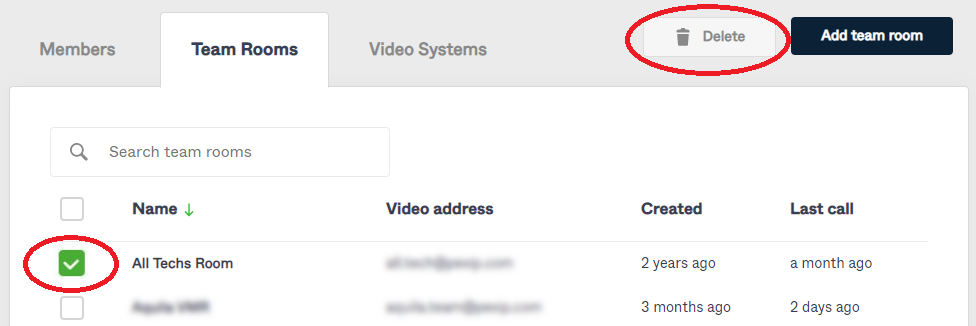
Select the tab to see and modify your existing team rooms and create new team rooms. (Other tabs on this page allow you to manage the members (users) and video systems within your company.)
Configuring team rooms
From the tab, either select to create a new team room, or select an existing team room name to change its settings.
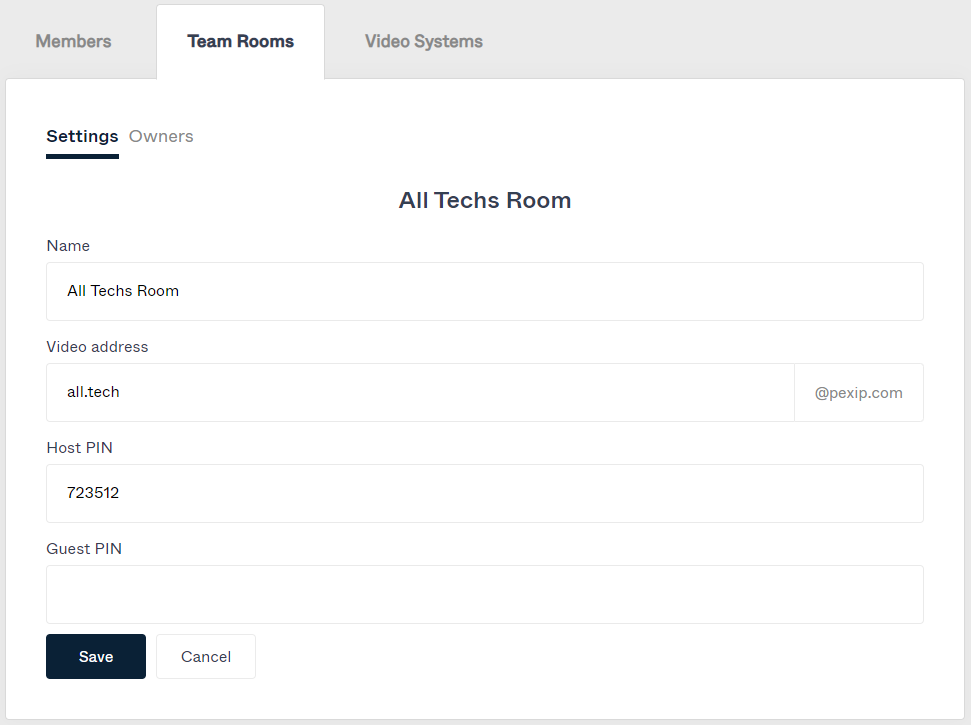
The sub tab defines the room's properties:
| Option | Description |
|---|---|
| Name | The room's name. This also acts as the room's display name — the name that is in the directory. |
| Video address |
The room's video address e.g. jupiter@companyname.onpexip.com that can be used for calling into that VMR. You can modify the name portion of the address, but you cannot change the domain portion after the team room has been created. |
| Host PIN Guest PIN |
Host and Guest PINs are optional and provide security controls over who can access the VMR, and who can start a meeting in that VMR. |
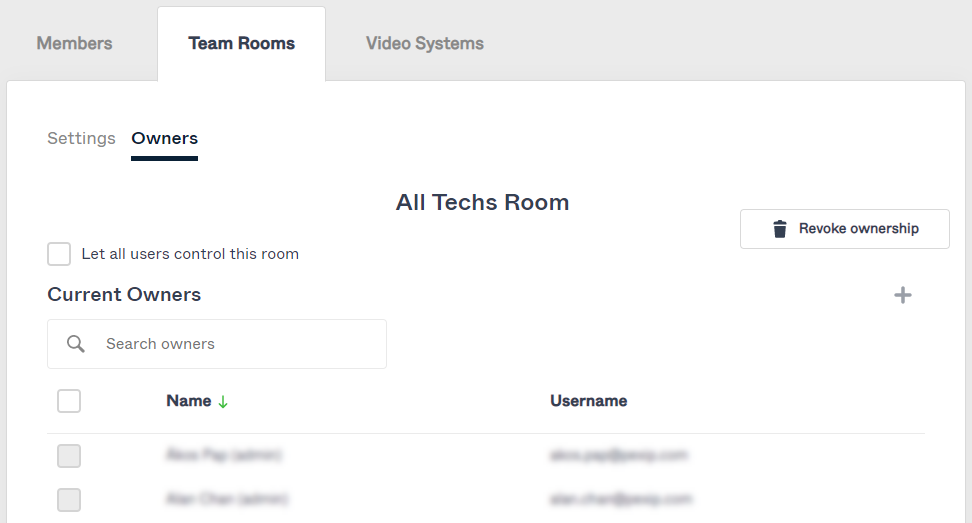
The sub tab defines who is allowed to control the room during a call including locking the room, muting and disconnecting participants, and inviting additional participants to the room:
- By default only users with an Access right of Administrator can control team rooms.
- If you select Let all users control this room then any user within the company can control that room.
- Alternatively you can select
 to grant specific users the ability to control that room. To remove specific users, select the user and then select .
Deleting team rooms
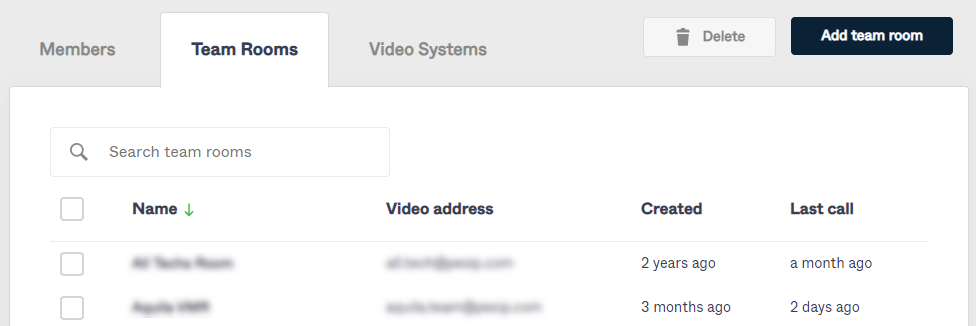
To delete a team room:
- Select the tab.
- Tick the box next to the team room(s) to be deleted.
- Select .