Collecting logs from the Pexip mobile app for iOS
Here are the steps for getting the logs from the iOS mobile app.
File contents
The logs contain information such as IP addresses, user and conference names, aliases, and app configuration. Some of this information may be sensitive to your organization, so the log should be handled securely.
Accessing the logs
Below are the steps to view the logs. If required, you can share the logs via an email app on your mobile device.
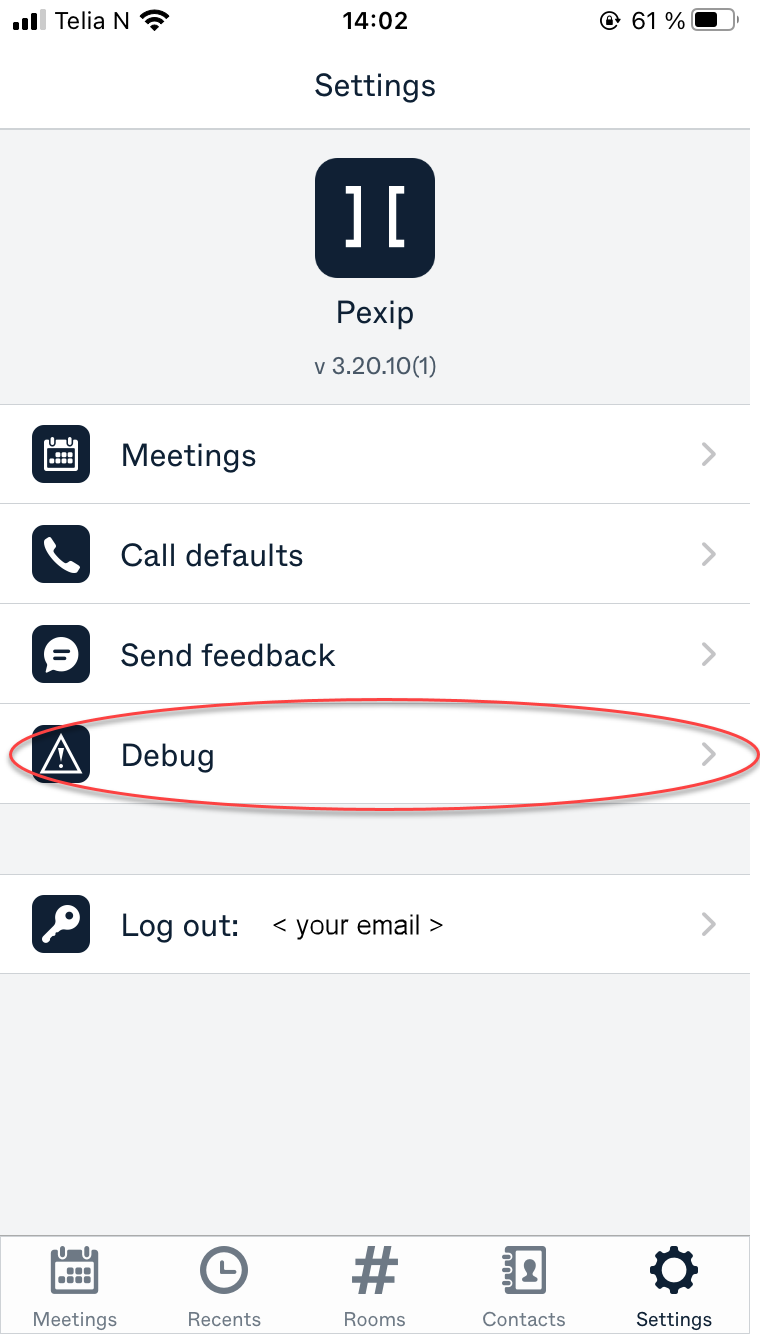
- From the screen, tap five times on
 or . This shows a new menu item.
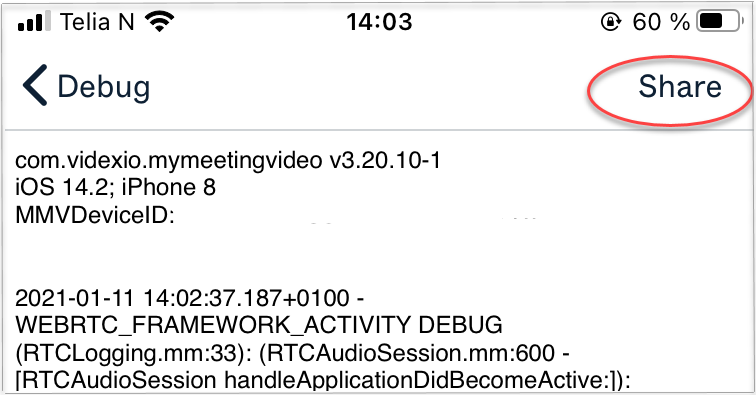
 - Select , and then select the . Now you see the logs themselves.
- To send the logs to your Pexip authorized support representative, select and the available email apps appear. You can now complete the process to share the logs.